
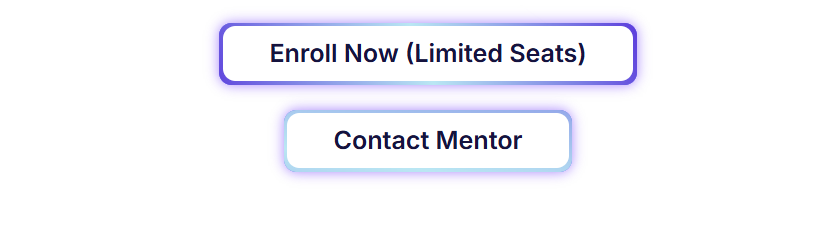
নিয়ন বাটন বানানোর জন্য আগে একটা ইলেমেন্টর বাটন নিন। নেয়ার পর Advanced CSS অপশন এ নিচের কোডটি বসায় দিন। তারপর আপনার প্রয়োজনমতো কালার চেঞ্জ করুন।
selector .elementor-button{
    position: relative;
    overflow: hidden;
    z-index: 1;
    margin-bottom: -10px
}

selector .elementor-button:before{
    content: '';
    position: absolute;
    left: -20px;
    top: -150px;
    width: calc(100% + 50px);
    height: calc(100% + 350px);
    background: linear-gradient(0deg, #4737df 0%, #9ee9f5 50%, #4737df 100%);
    z-index: -1;
    animation: rotatebtn 2s linear infinite;
}

@keyframes rotatebtn {
  from {
    transform: rotate(0deg);
  }
  to {
    transform: rotate(360deg);
  }
}

selector .elementor-button:after{
    content: '';
    position: absolute;
    width: calc(100% - 6px);
    height: calc(100% - 6px);
    left: 3px;
    top: 3px;
    background-color: #fff;
    border-radius: inherit;
    z-index: -1;
}